Out of Stock or Unavailable Product Error
Last updated: June 21, 2026
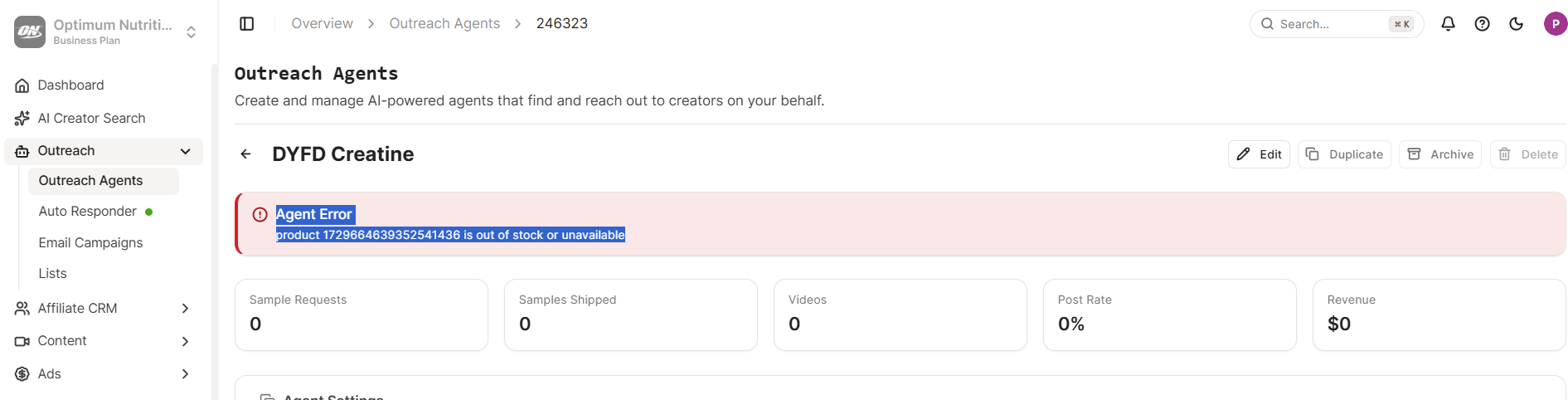
When running the bot, you may sometimes see an error like: “Product X is out of stock or unavailable.”
The best way to investigate this is to log in to your TikTok Shop directly.
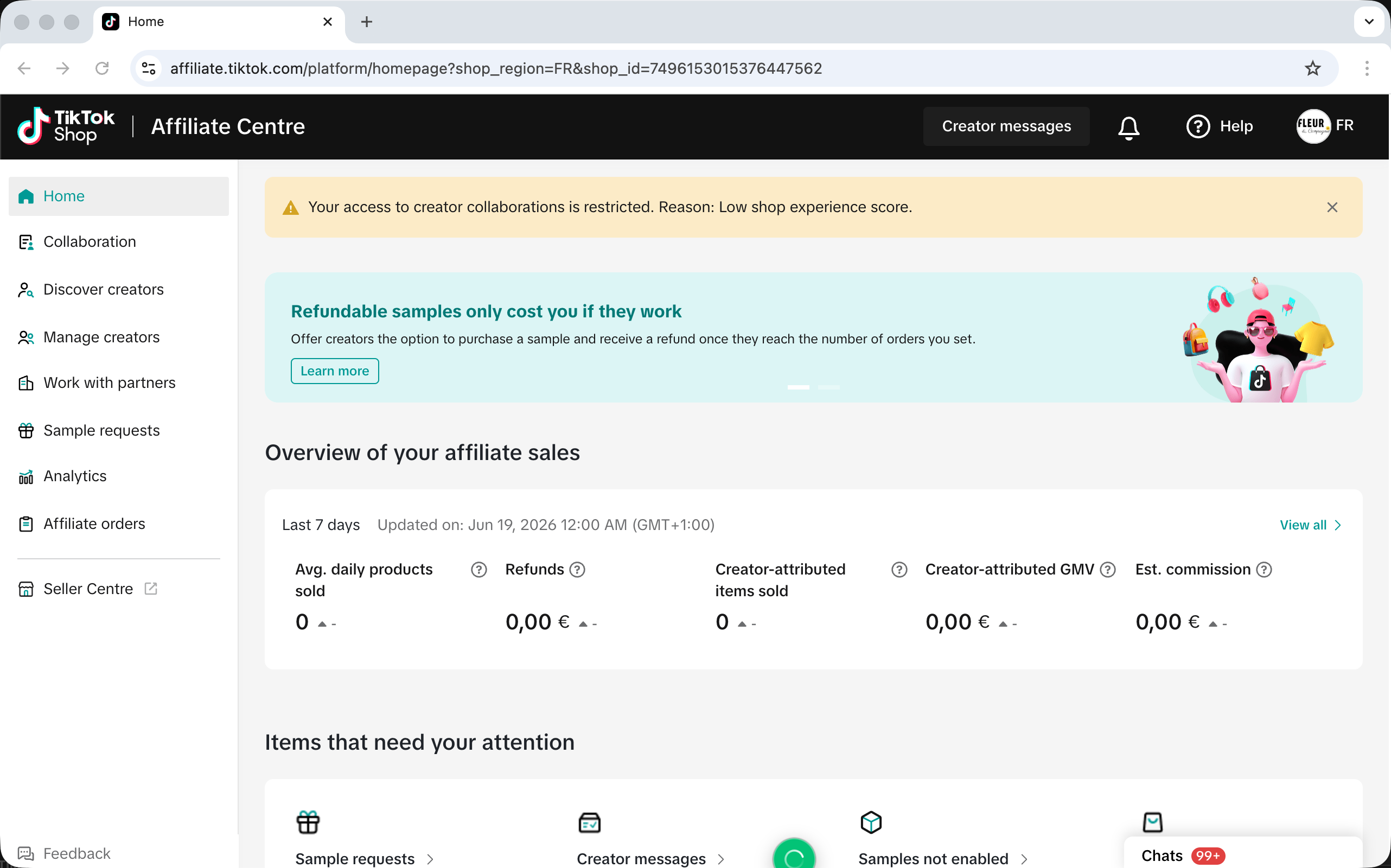
First, go to Affiliate Center. At this step, if the issue is related to your shop itself — for example, a low shop experience score — you should be able to identify it there. If everything looks normal, continue to the next step.
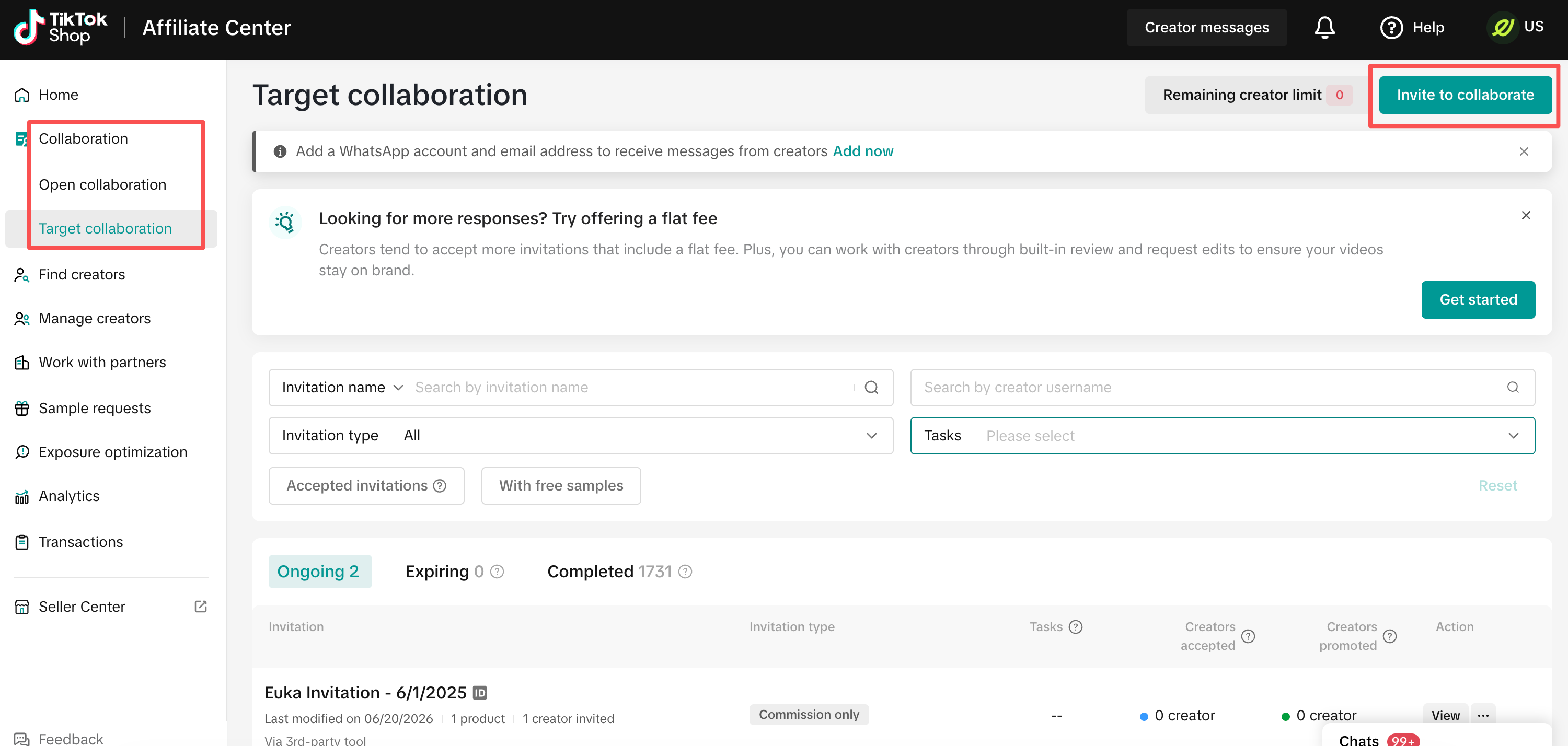
Under Collaboration, click Target Collaboration, then select Invite to Collaboration.
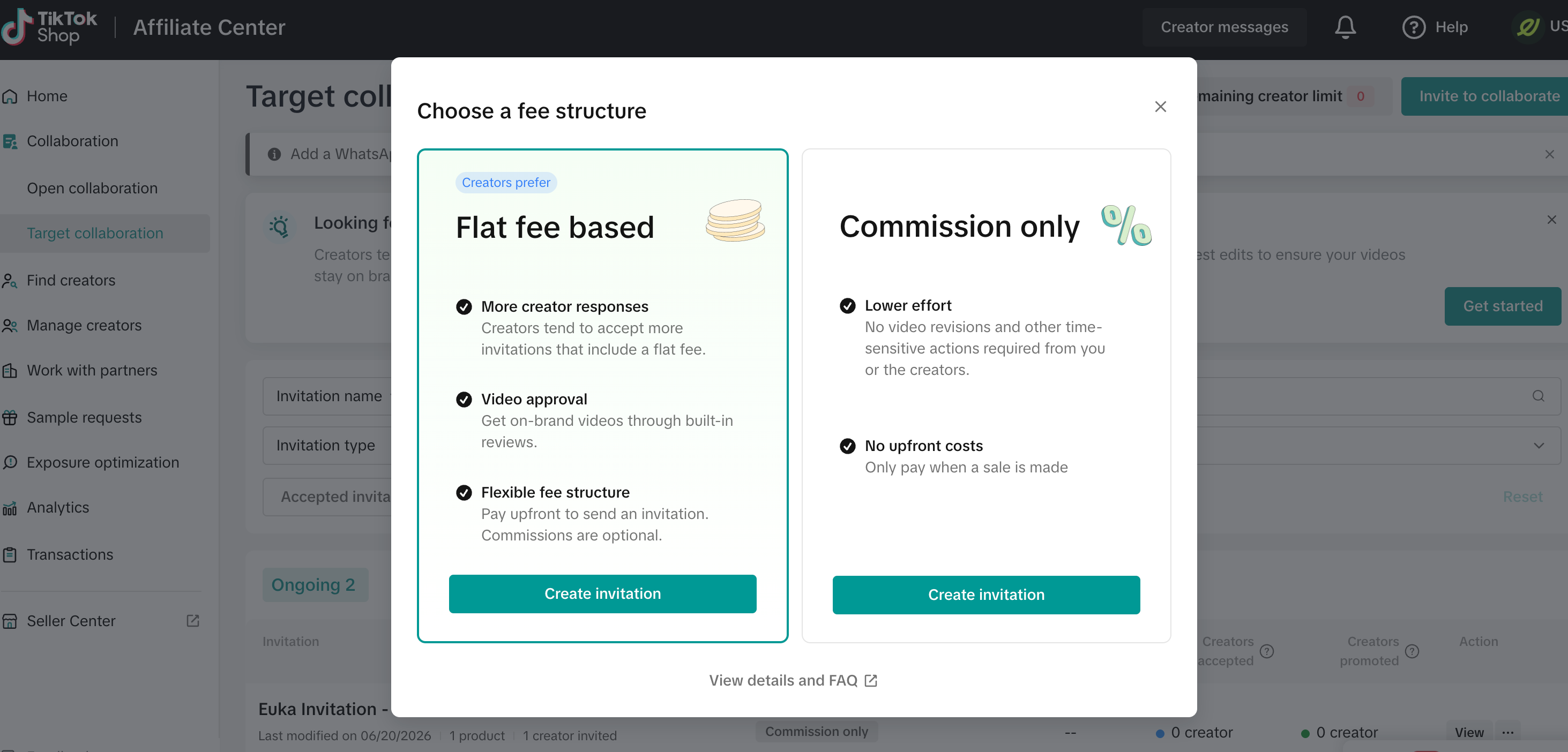
Next, click Create Invitation. It does not matter whether you choose Flat Fee Based or Commission Only.
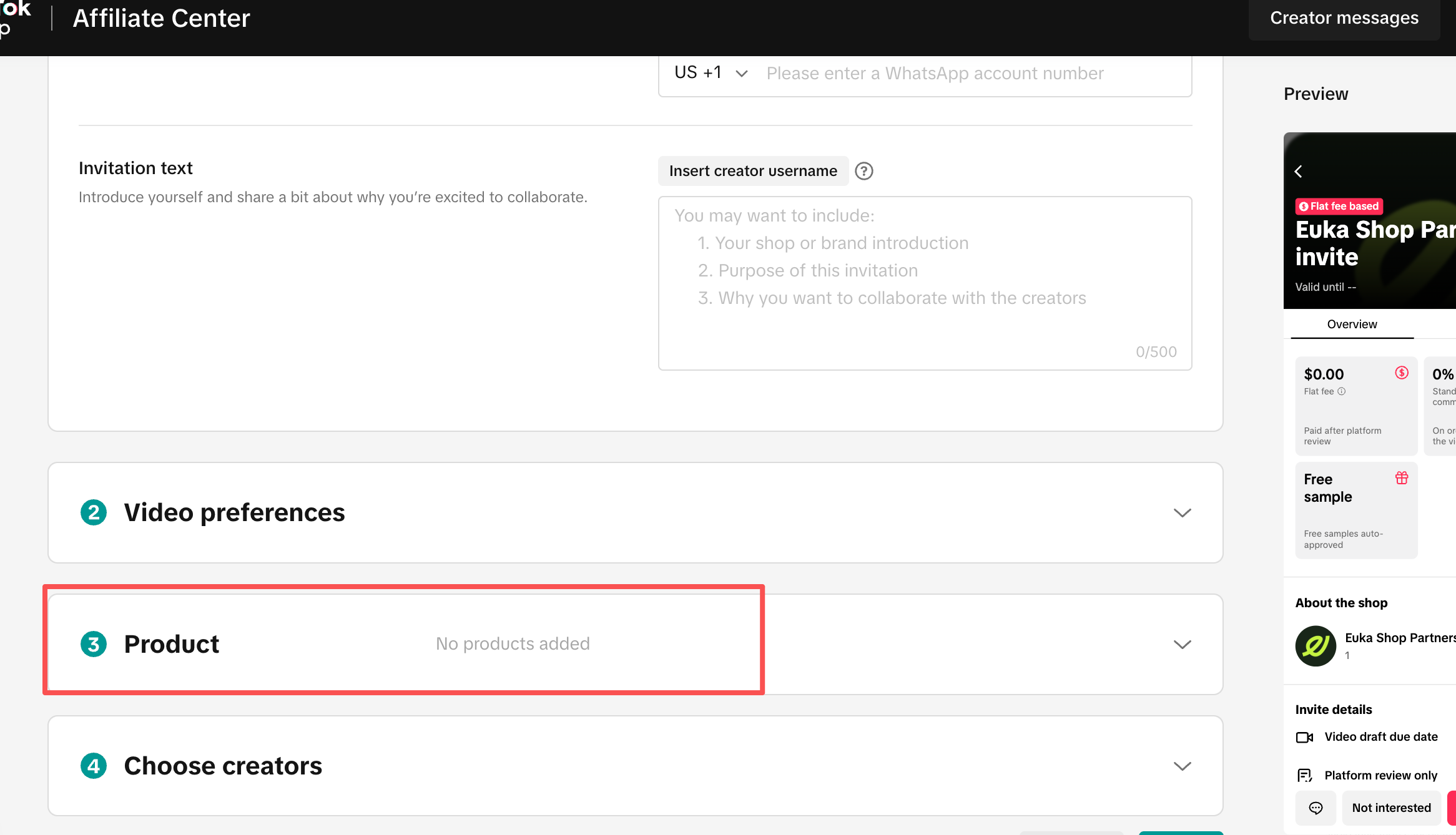
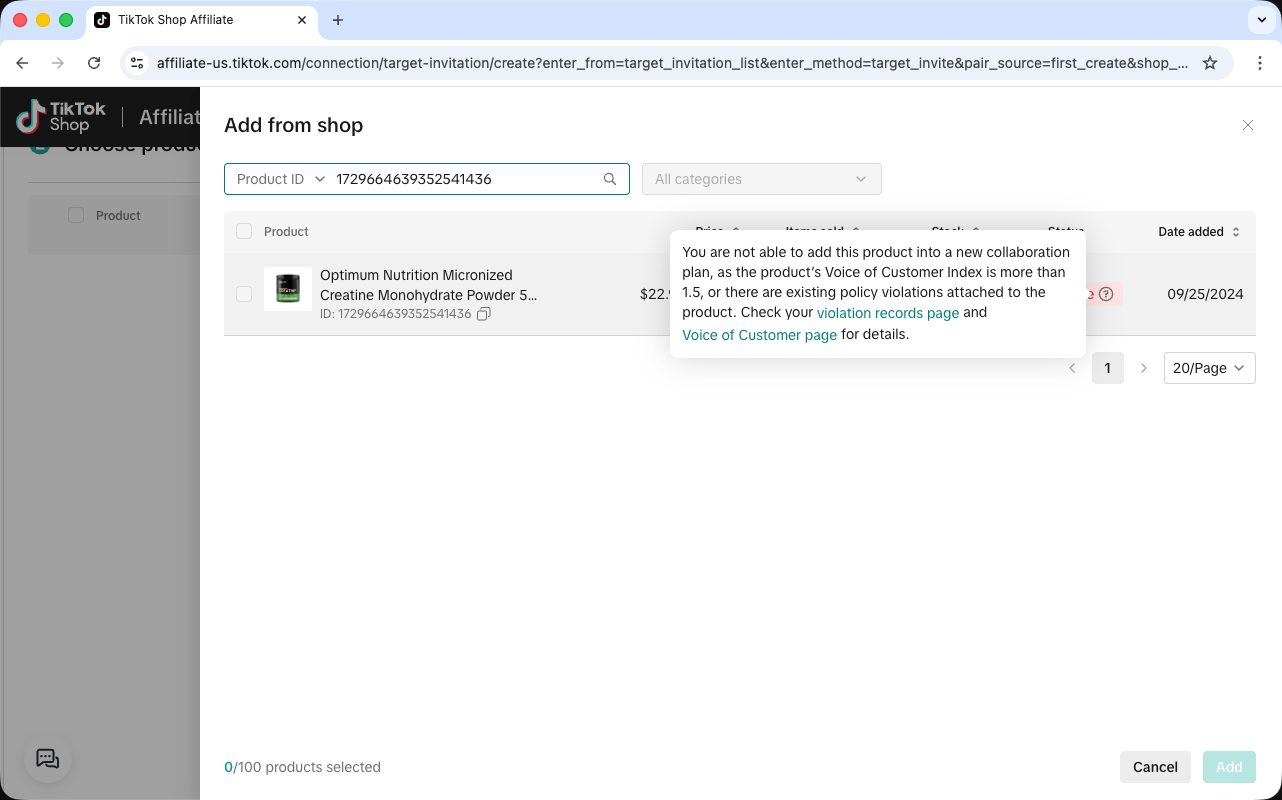
Scroll down until you find the Product tab, then try adding the product.
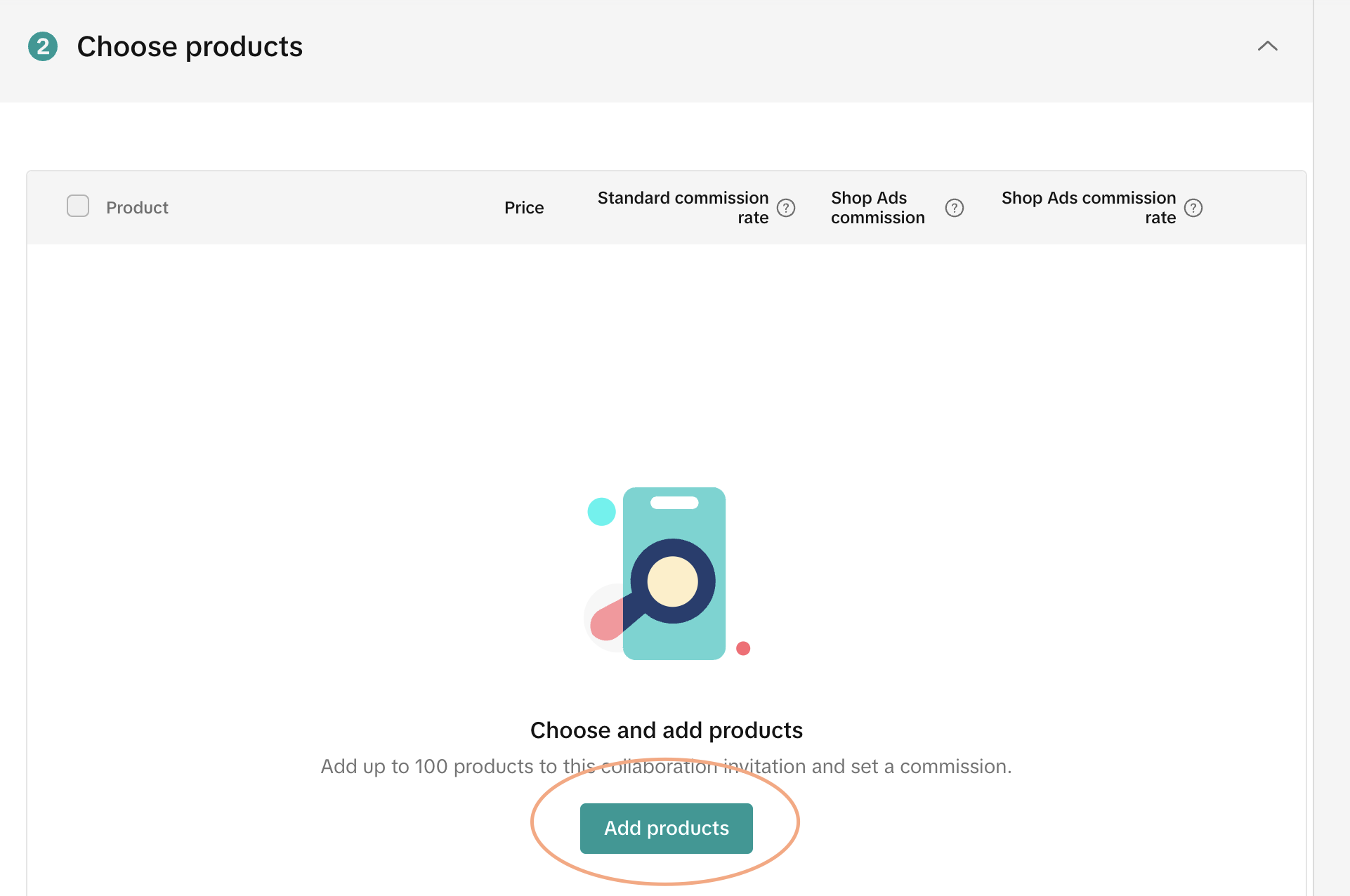
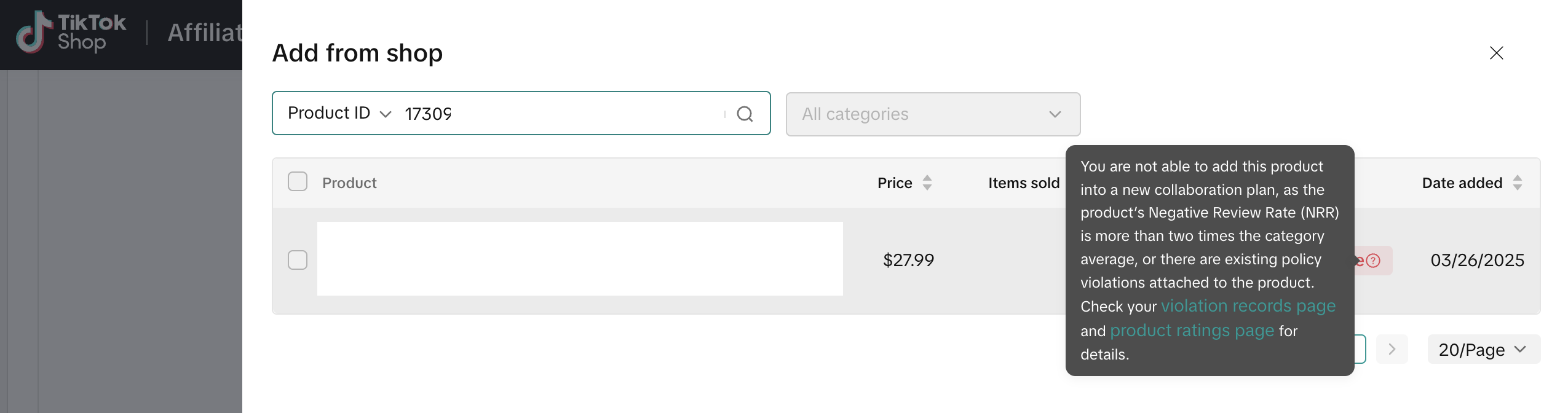
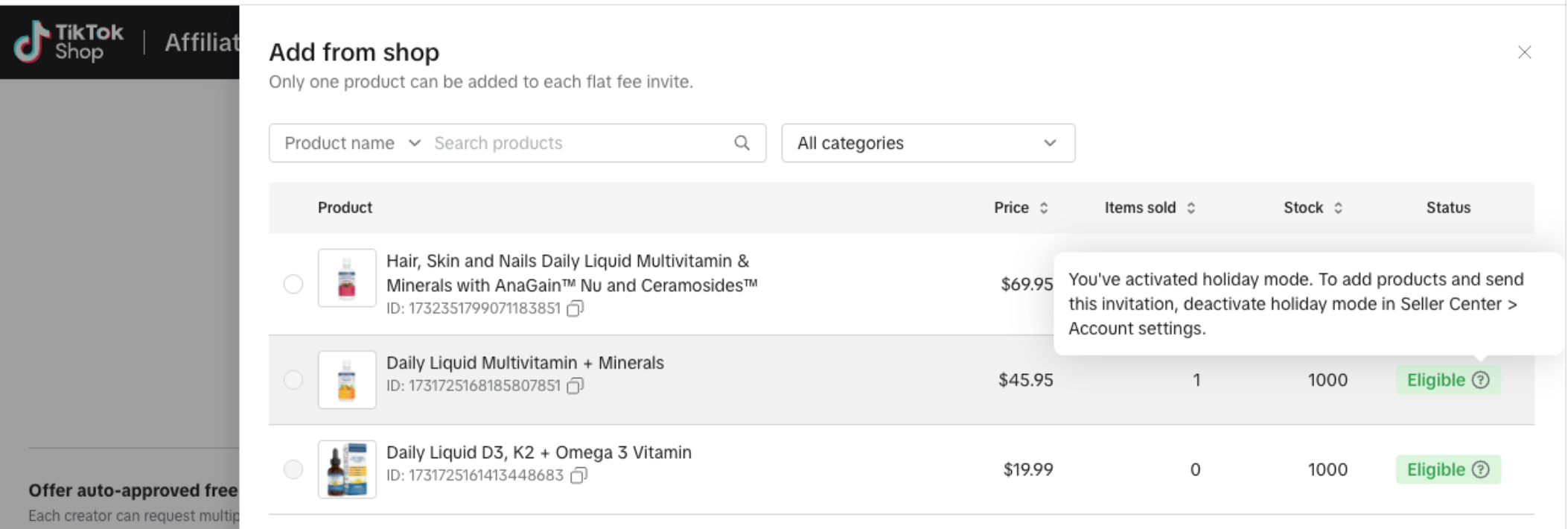
One important note: please hover your mouse over the product status. Sometimes the status may show as Eligible, but there can still be product-related errors that only appear when you hover over the status field.
Some common reasons include:
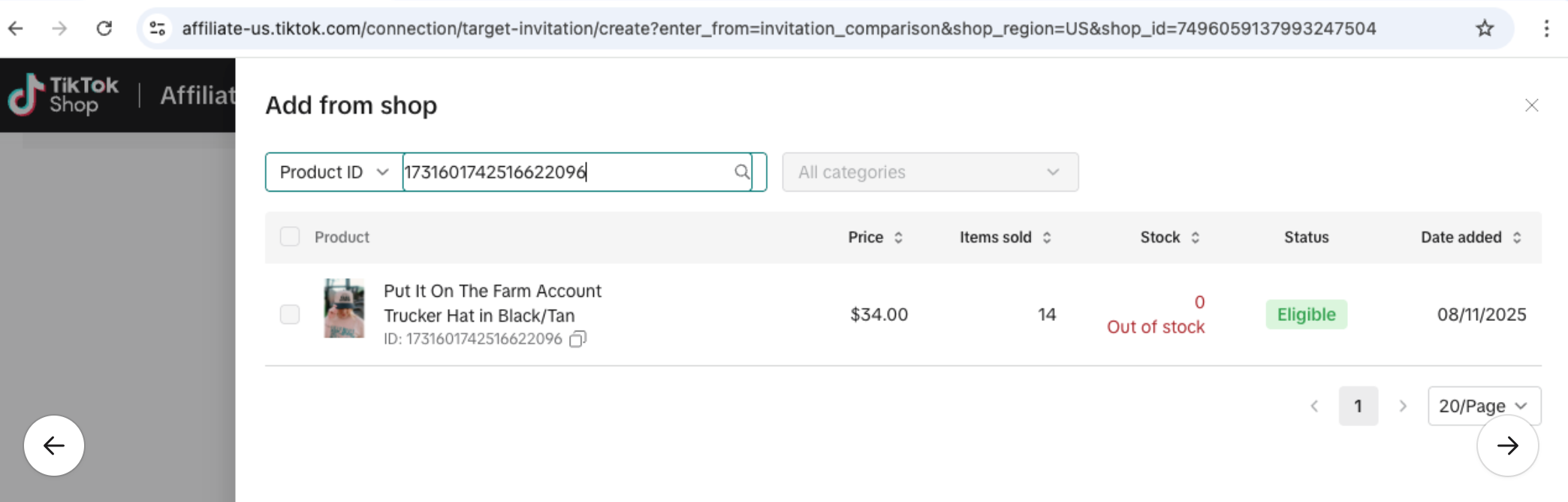
The product is out of stock.
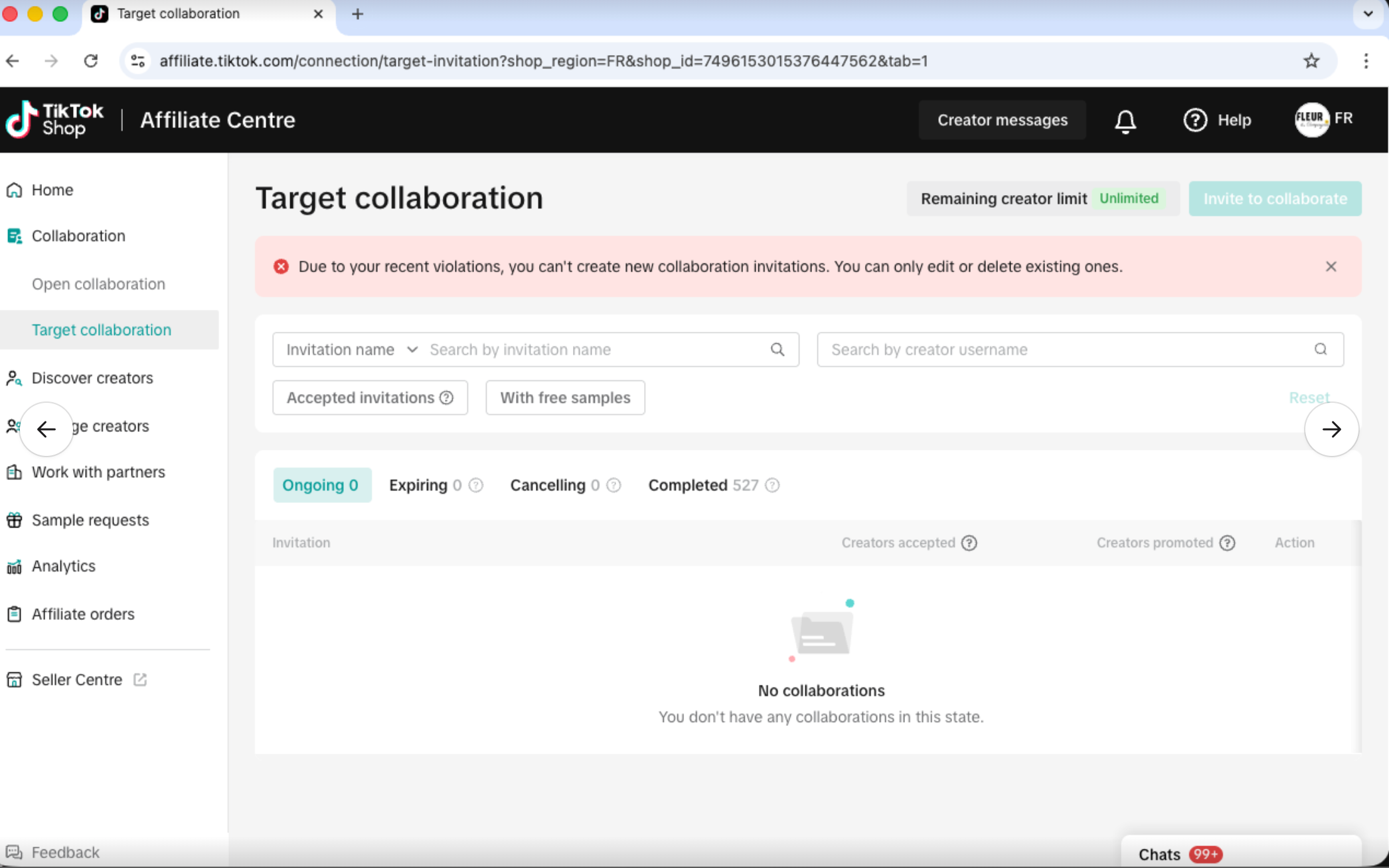
Shop violations are preventing new collaborations from being created.
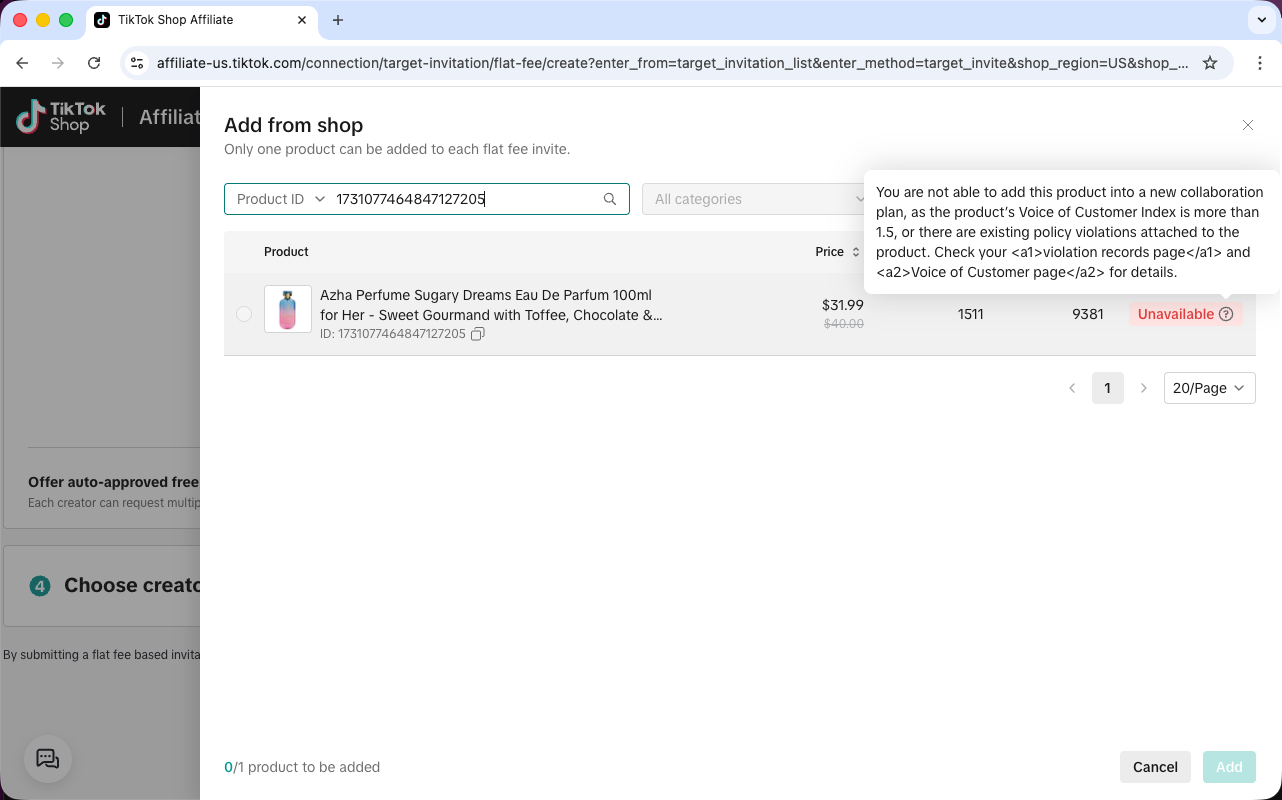
There may be an issue with the Voice of Customer Index.
Holiday Mode is turned on.